
How to Download Public and Private Facebook Videos in HD
Want to download a precious Facebook video without losing its quality? Let’s explore how to download public and private Facebook videos using any device.
This is the Technology category page of Izoate Tech! Here, you will find topics like AI-powered tools, cloud-based solutions, and the rise of blockchain technology. Let’s get into the world of cutting-edge tech and stay informed about the trending and latest technology.
Want to download a precious Facebook video without losing its quality? Let’s explore how to download public and private Facebook videos using any device.

Hate that Google uses AI to answer your queries and want your old search results back? Learn how to get rid of Google AI Overviews and restore traditional Google Search.

Have you ever wanted to personalise your Android phone with a ringtone that actually feels like yours? Here’s how to make a song your ringtone on Android in 2027.
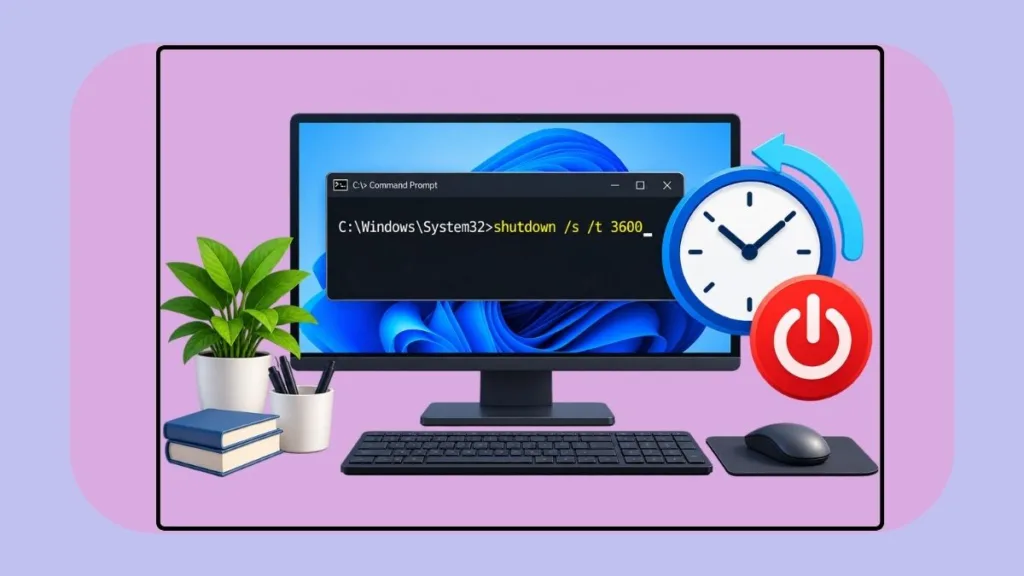
Have you ever needed to leave your PC running for a download, file transfer, or software installation but wanted it to turn off automatically afterward? Windows has a built-in solution: the shutdown command timer.
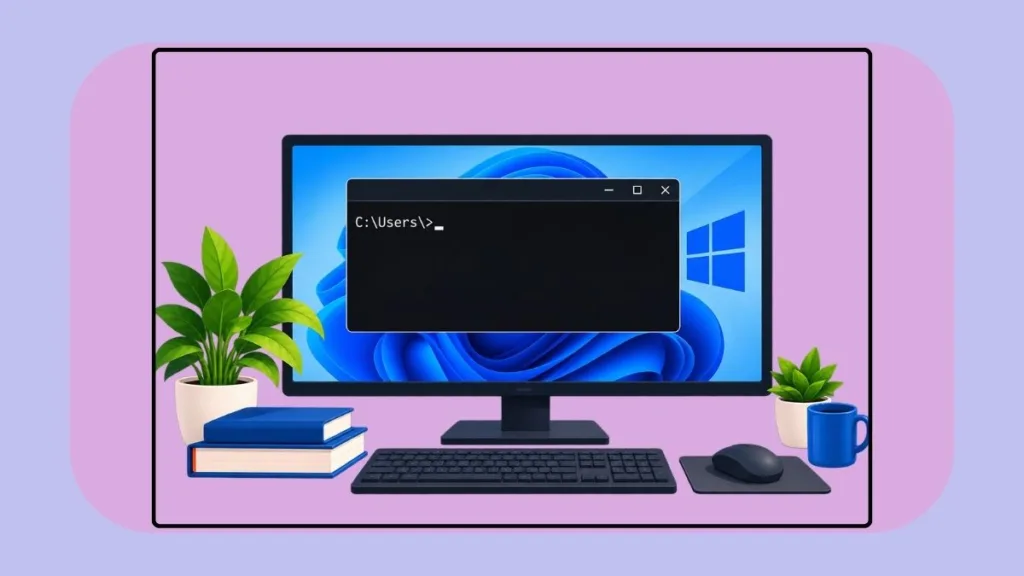
Wondering which CMD commands are actually worth learning? Explore 10 practical Windows commands that make everyday tasks and troubleshooting easier.
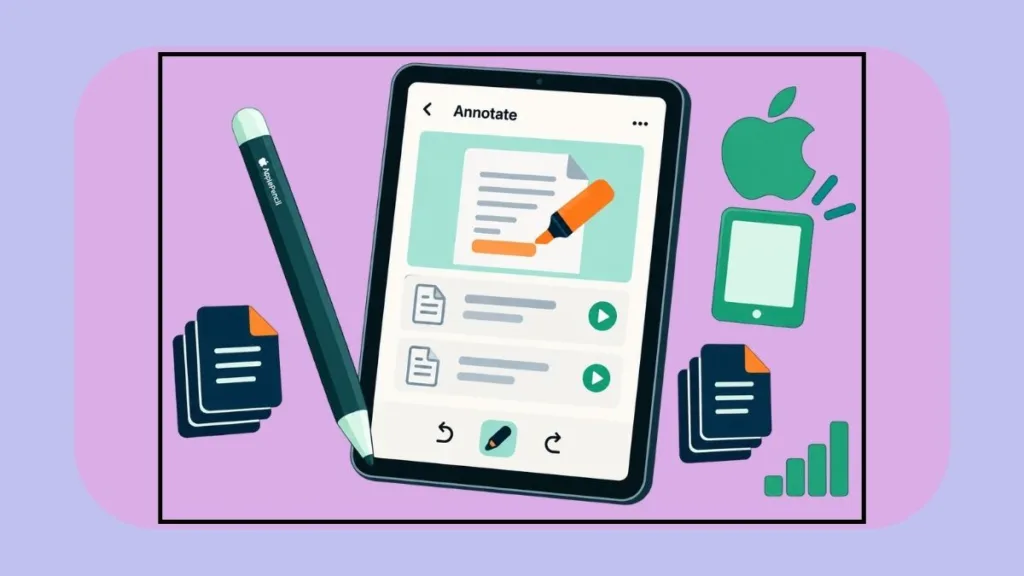
Let’s discover the best apps to annotate PDFs on iPad with Apple Pencil in 2026. We review top apps that are fast, reliable, and handwriting-ready, focusing on pricing, Apple Pencil support, and workflow fit.

Turn your photo into a realistic 80s-style image with AI. Explore the best AI tools, 80s photo prompts, and simple editing tips for Instagram.

Wondering why you’re still getting ads on Amazon Prime after paying for ad-free? Here’s why ads appear on Prime Video and what you can do to stop or fix them.

Want to know how to make a PowerPoint presentation with AI for free? Learn how AI tools can help you create professional PPT slides quickly without starting from scratch.
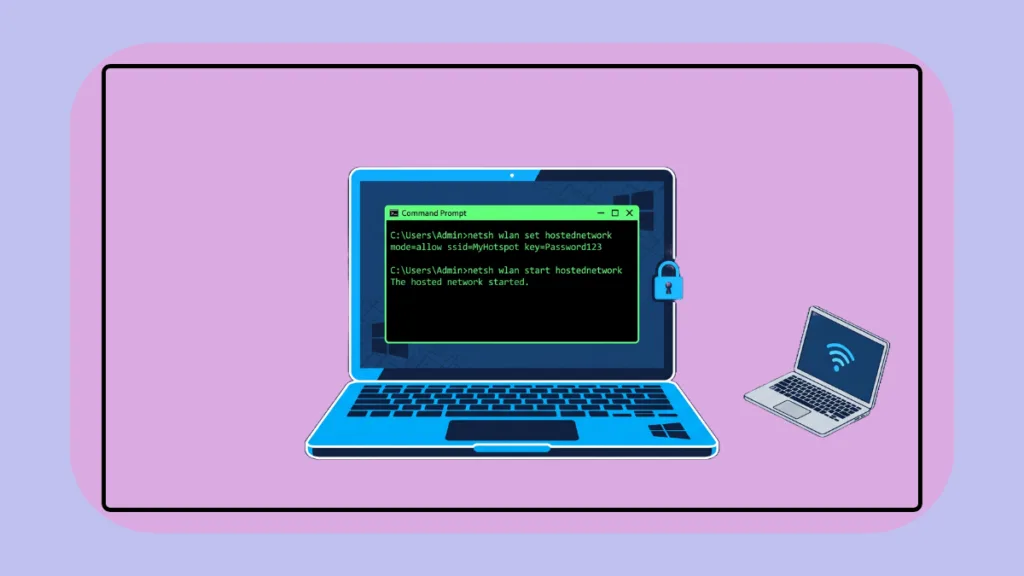
Learn how to create a hotspot using CMD with step-by-step instructions to set up your WiFi name and password, start the hotspot, share internet, and stop it.