
What Is the Worst Grand Theft Auto Game? A Closer Look at Every Major Entry
After playing every GTA game, here’s my honest ranking of the worst GTA game based on graphics, story, and mission design, backed by facts and experience.
This is the Technology category page of Izoate Tech! Here, you will find topics like AI-powered tools, cloud-based solutions, and the rise of blockchain technology. Let’s get into the world of cutting-edge tech and stay informed about the trending and latest technology.
After playing every GTA game, here’s my honest ranking of the worst GTA game based on graphics, story, and mission design, backed by facts and experience.

Which GTA game is the best so far? Explore my personal ranking of every major Grand Theft Auto title, from GTA III to GTA V, with personal insights, story analysis, and what makes each game unforgettable.
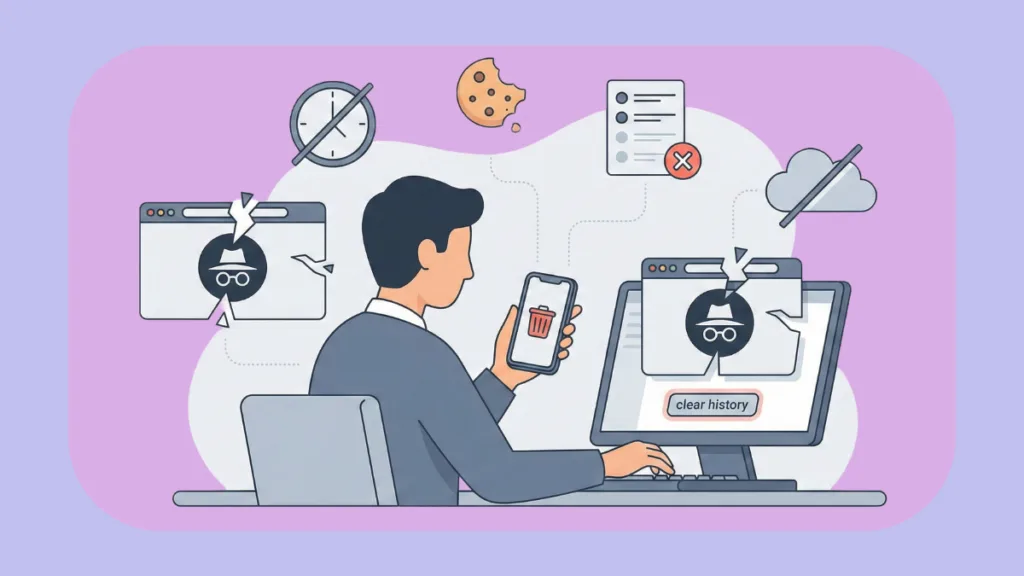
Think Incognito makes you invisible? Think again. Learn to properly delete Incognito history on Android, iOS, and PC while uncovering the truth about privacy.
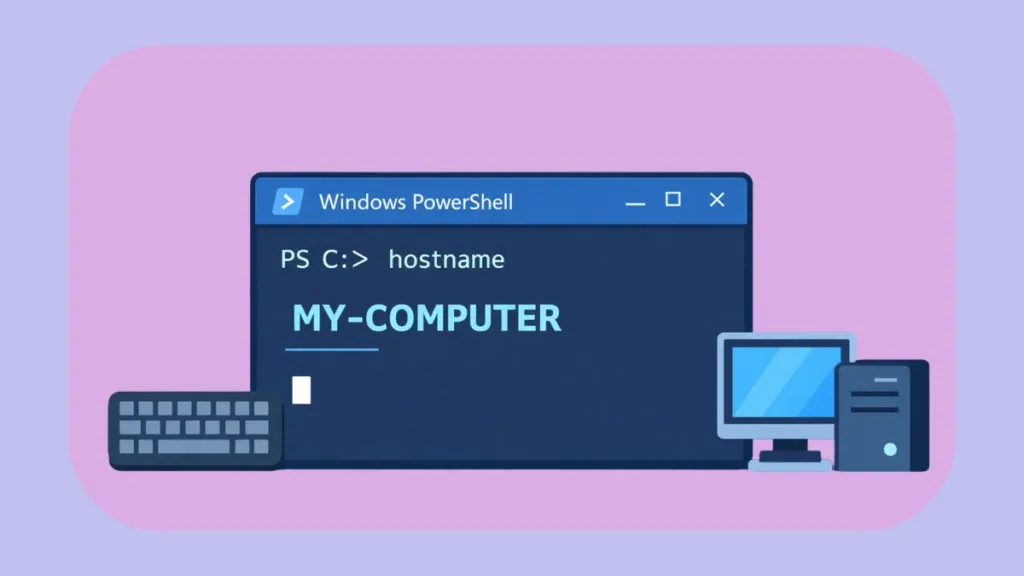
PowerShell command for computer name explained. Learn how to get PC name in Windows using simple local and remote PowerShell commands—fast, easy, and beginner-friendly.
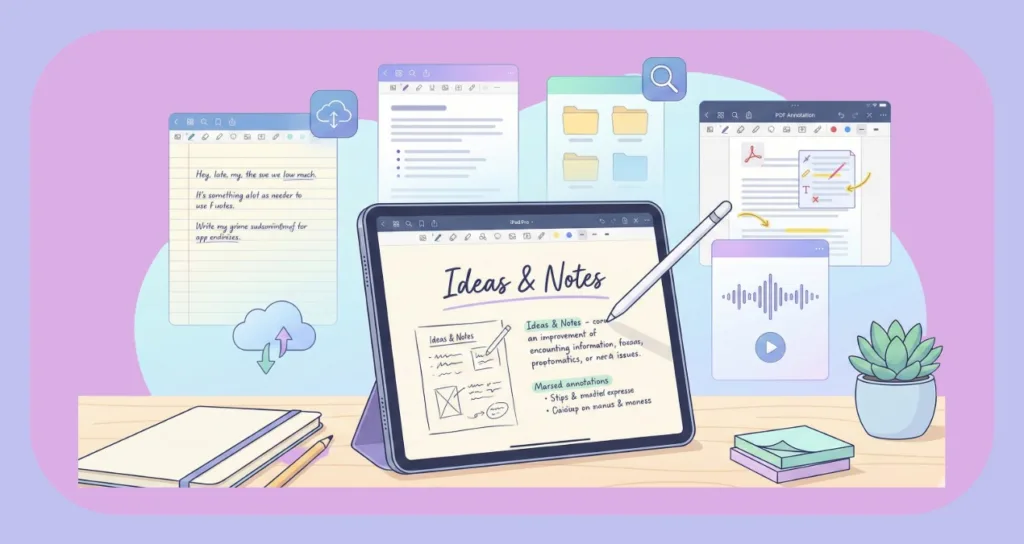
We’ve tested the 7 best free note-taking apps for iPad in 2026. Take notes, sketch, and organize easily—no hidden costs, just simple everyday tools.
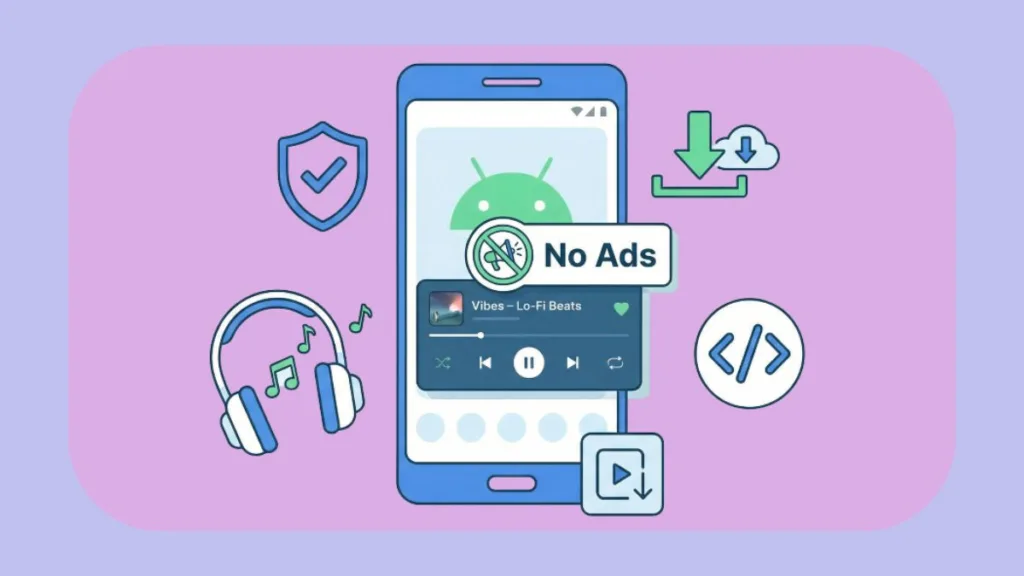
Tired of interruptions? Learn how to listen to YouTube Music ad-free on Android in 2026. Get background play, offline mode
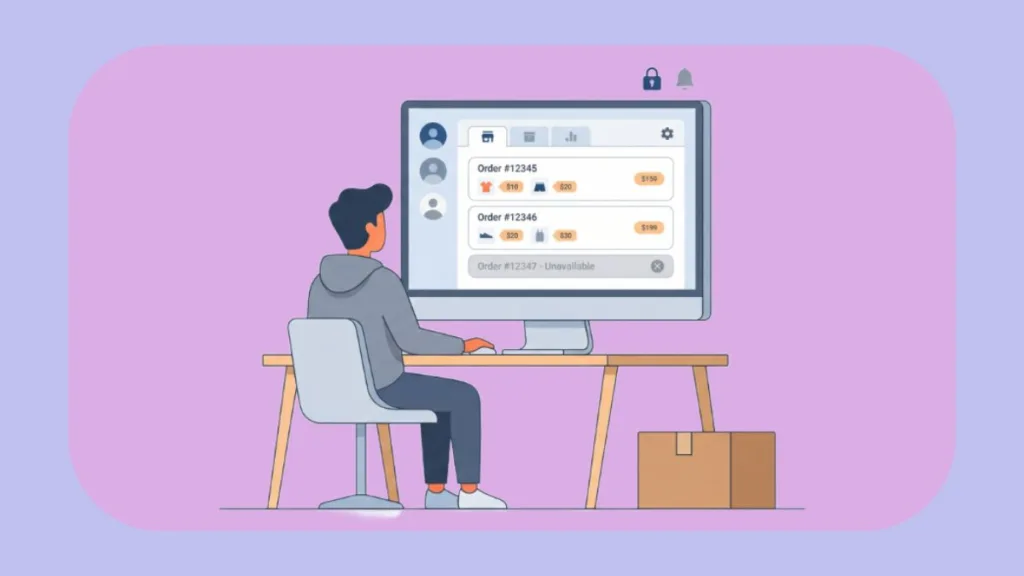
Can’t find the “Archive Order” button? Let’s see what happened to it and learn how to hide Amazon orders now that archive is gone. The smart 2026 workaround to keep your history private.
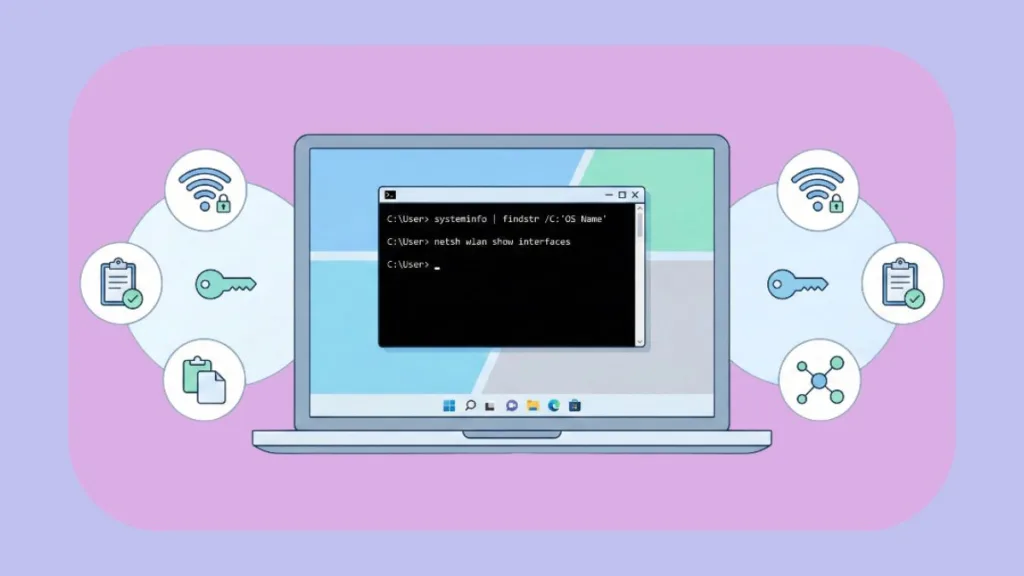
Learn how to find saved Wi-Fi password using CMD in Windows 11. This step-by-step guide covers how to reveal keys with or without Administrator access.

Worried an automatic wallpaper changer on Android drains battery? We share our real daily experience, setup guide, and what actually happened.

Discover the best video player for Android without ads. Explore free and premium picks with user reviews for smooth, uninterrupted playback.