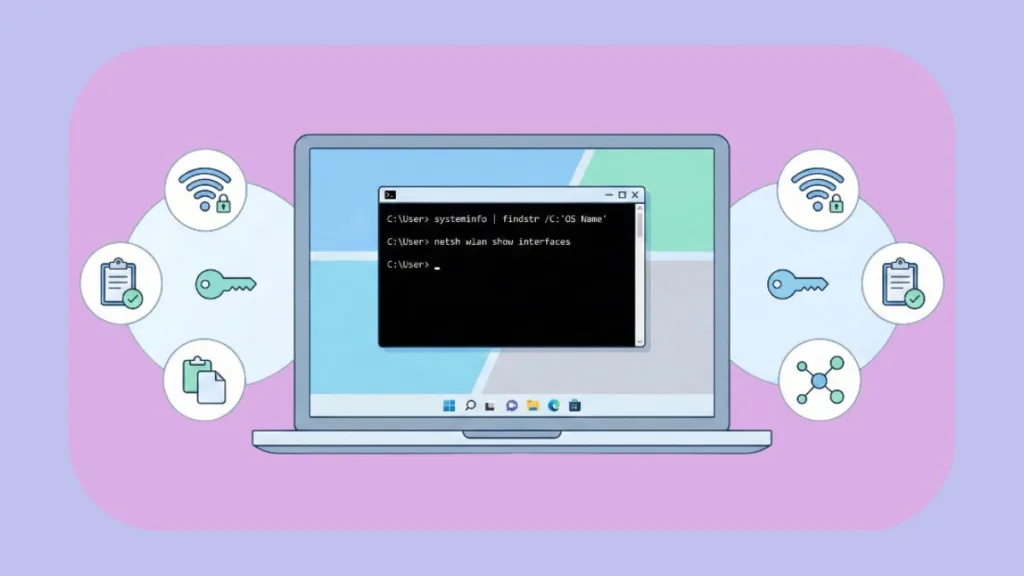
How to Find Wi-Fi Password Using CMD in Windows 11 Without Admin Rights
Learn how to find saved Wi-Fi password using CMD in Windows 11. This step-by-step guide covers how to reveal keys with or without Administrator access.
This is the Technology category page of Izoate Tech! Here, you will find topics like AI-powered tools, cloud-based solutions, and the rise of blockchain technology. Let’s get into the world of cutting-edge tech and stay informed about the trending and latest technology.
Learn how to find saved Wi-Fi password using CMD in Windows 11. This step-by-step guide covers how to reveal keys with or without Administrator access.
Worried an automatic wallpaper changer on Android drains battery? We share our real daily experience, setup guide, and what actually happened.
Discover the best video player for Android without ads. Explore free and premium picks with user reviews for smooth, uninterrupted playback.
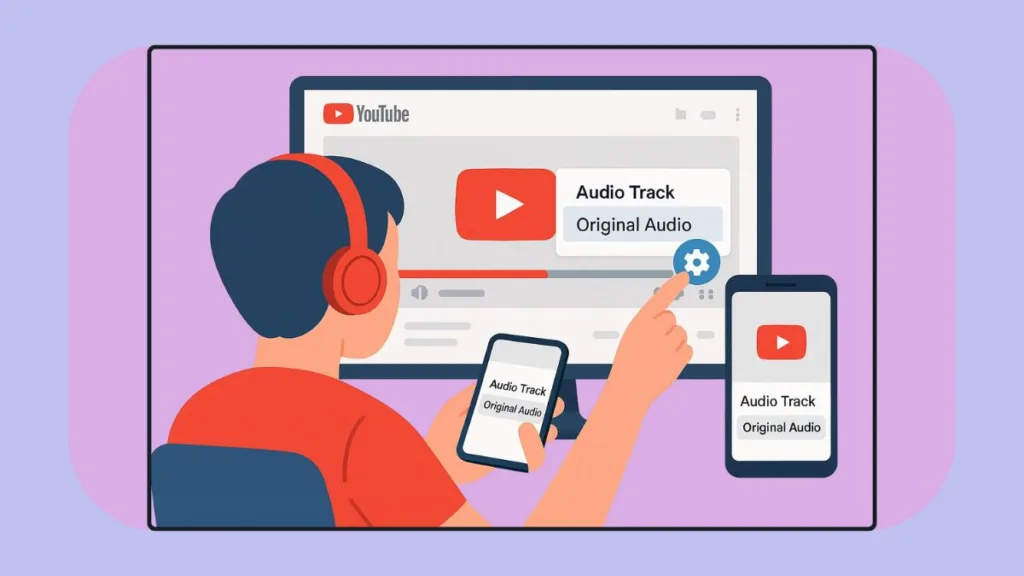
Annoyed by YouTube’s auto-dubbed voices? In this guide, we share how we disable auto-dubbed audio on YouTube and switch back to the original track.
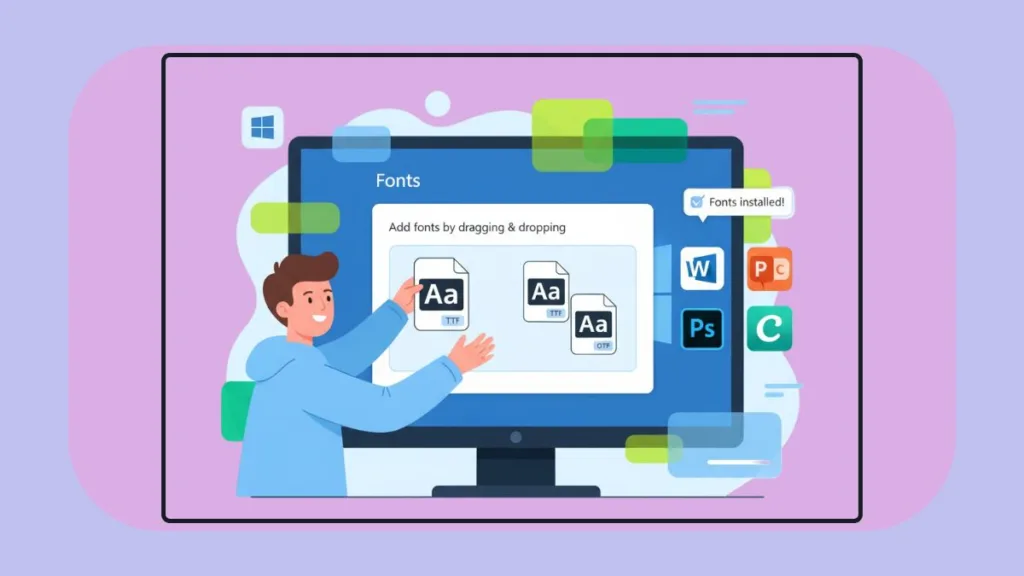
Learn how to easily install TTF, OTF, and custom fonts on Windows 11 & 10. Follow our step-by-step guide with tips, troubleshooting, and expert advice to make your fonts work across Word, Photoshop, Canva, and more.

Discover why computers use binary and how 0s and 1s, bits, transistors, and logic gates make modern computing fast, reliable, and efficient. Learn in a simple, easy-to-understand way.
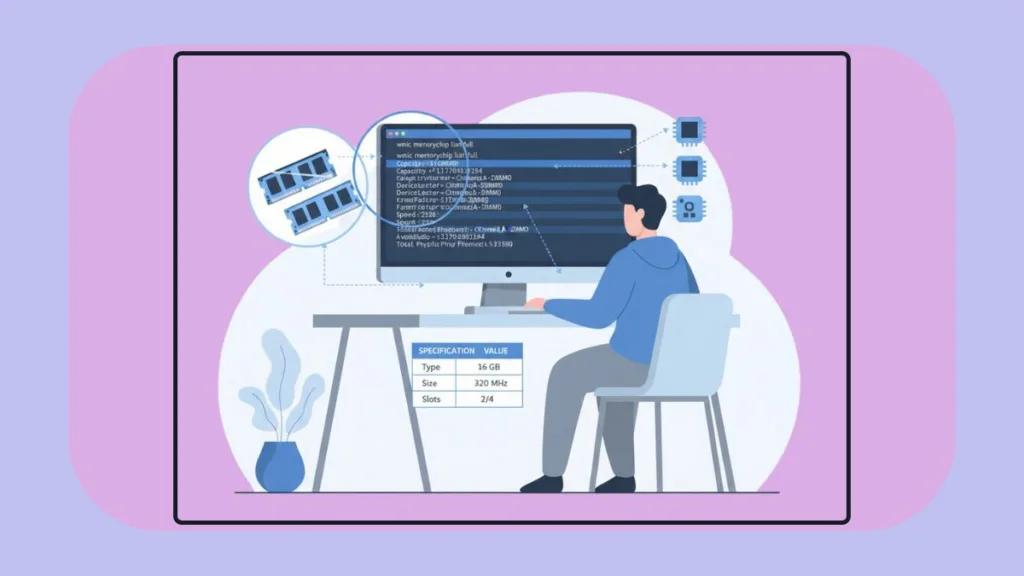
Learn how to check RAM using Command Prompt on Windows with our quick, step-by-step guide. Discover RAM size, speed, manufacturer, and full specs using CMD and PowerShell.

We show you how optimizing Windows boot performance by managing startup apps can help your PC start faster and run smoother. Follow expert-backed tips to boost efficiency and get straight to work without the wait.

Unlock the hidden potential of your Windows 10 or 11 PC! We walk you through the Windows must-enable features that boost performance, streamline your workflow, reduce eye strain, and make your system truly yours—with easy step-by-step tips you can follow today.
Learn how to run Android apps on your PC in 2025 for smoother gaming, better controls, and enhanced performance. Discover expert tips to optimize your experience and get the most out of Android on Windows.