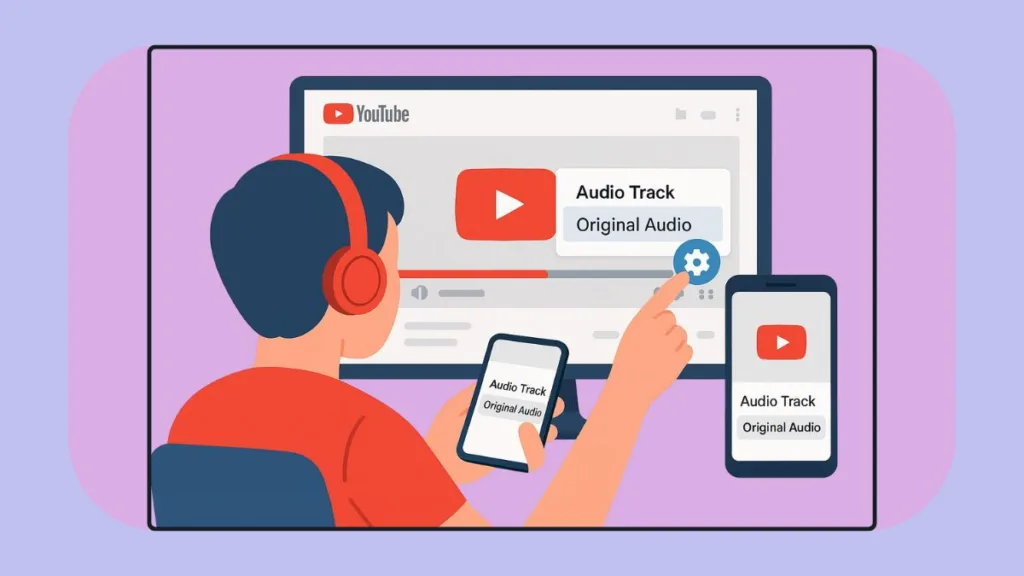
How We Disable Auto-Dubbed Audio on YouTube: A Simple Guide for PC, Android & iPhone Users
Annoyed by YouTube’s auto-dubbed voices? In this guide, we share how we disable auto-dubbed audio on YouTube and switch back to the original track.
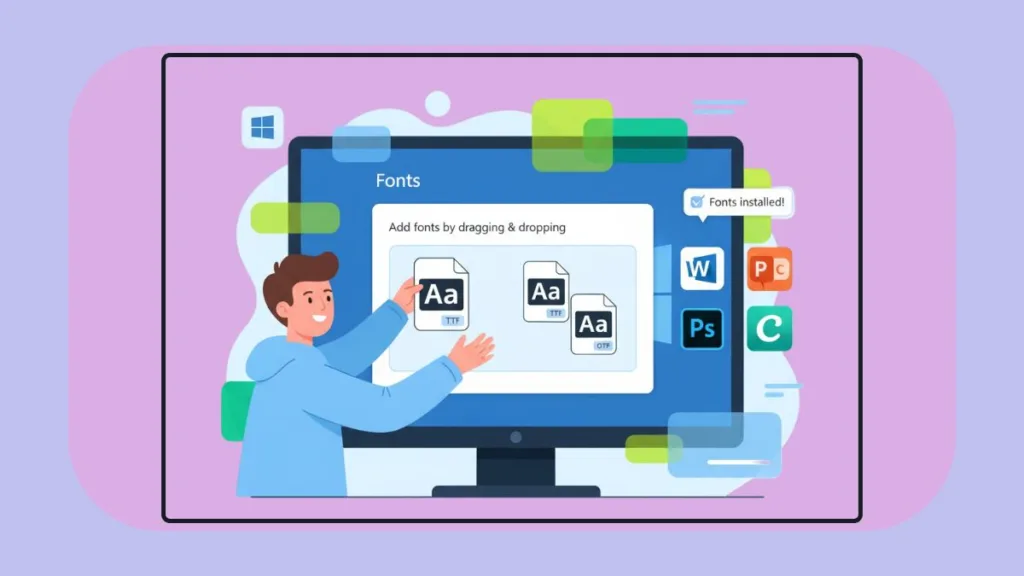
Learn how to easily install TTF, OTF, and custom fonts on Windows 11 & 10. Follow our step-by-step guide with tips, troubleshooting, and expert advice to make your fonts work across Word, Photoshop, Canva, and more.
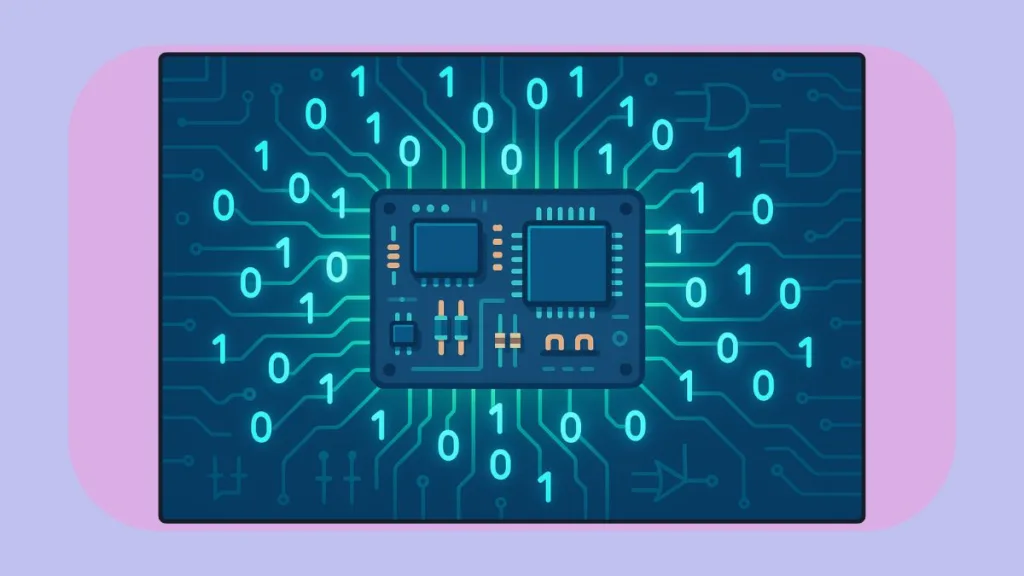
Discover why computers use binary and how 0s and 1s, bits, transistors, and logic gates make modern computing fast, reliable, and efficient. Learn in a simple, easy-to-understand way.
Your Instagram, Your Income – Discover practical tips on how to earn money from posts on Instagram and grow your influence. Learn strategies to engage your audience, boost your reach, and turn your social presence into a revenue-generating platform.
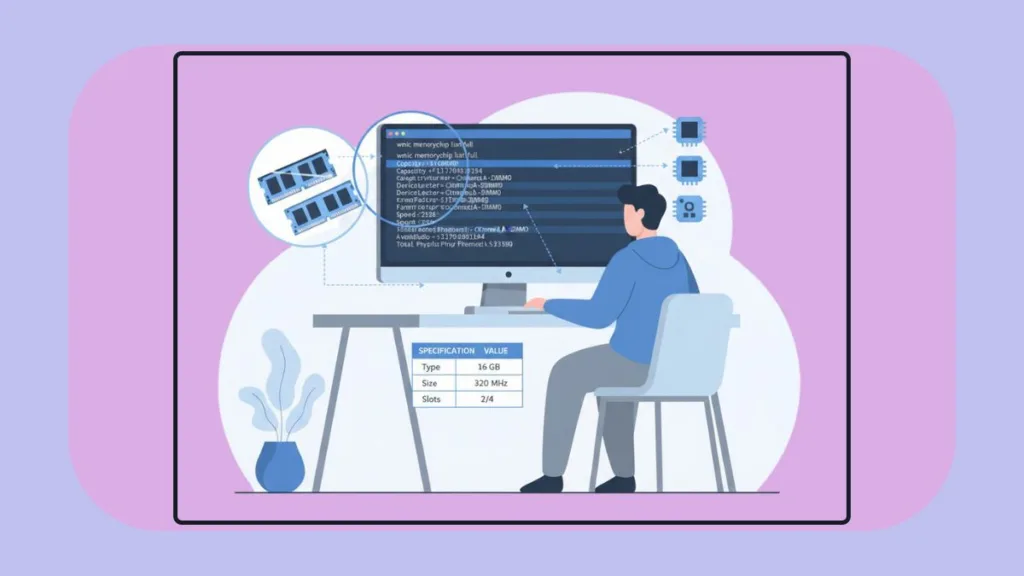
Learn how to check RAM using Command Prompt on Windows with our quick, step-by-step guide. Discover RAM size, speed, manufacturer, and full specs using CMD and PowerShell.
We show you how optimizing Windows boot performance by managing startup apps can help your PC start faster and run smoother. Follow expert-backed tips to boost efficiency and get straight to work without the wait.
Unlock the hidden potential of your Windows 10 or 11 PC! We walk you through the Windows must-enable features that boost performance, streamline your workflow, reduce eye strain, and make your system truly yours—with easy step-by-step tips you can follow today.
Learn how to run Android apps on your PC in 2025 for smoother gaming, better controls, and enhanced performance. Discover expert tips to optimize your experience and get the most out of Android on Windows.
Discover the best free open source screenshot tool for Windows to capture, annotate, and share screenshots effortlessly. Learn how to boost your productivity with advanced editing, automation, and cloud-sharing features.
Let’s explore the 7 essential CMD commands to check PC health, diagnose system issues, repair corrupted files, and optimize your Windows performance for a faster, smoother PC experience.