Tired of interruptions? Learn how to listen to YouTube Music ad-free on Android in 2026. Get background play, offline mode & zero ads without Premium.
Picture this: You’re in the middle of a workout, or maybe you’re driving and singing along to your favorite playlist. The vibe is perfect. Then, suddenly—bam. A loud, jarring ad cuts in, ruining the moment.
To make matters worse, if you try to lock your phone to put it in your pocket, the music stops dead. It is incredibly frustrating.
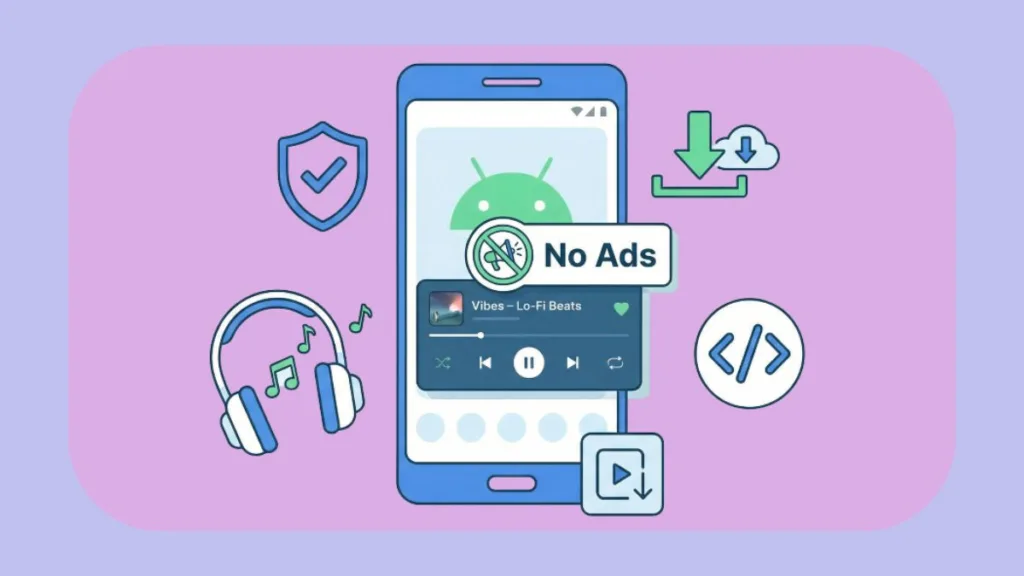
We all know the “official” solution is to pay for YouTube Premium, but let’s be real—we are already juggling monthly subscriptions for Netflix, Spotify, and Disney+. Adding another $13.99 a month (or $22.99 if you have a family plan) just to listen to music without interruptions feels like too much.
The good news? You don’t have to pay.
There are safe, open-source apps built by the community that let you stream YouTube Music with zero ads, background play, and even offline listening. In this guide, I’m going to show you exactly how to set this up using my top recommendation: OuterTune.
Best Way to Listen to YouTube Music Ad-Free Without Premium
If you’ve been Googling things like “YouTube Music without ads Android” or “background play hack,” you’ve probably run into some shady advice. A lot of sites will tell you to download “modded APKs” from random forums.
Please don’t do that—it’s a security nightmare.
The safest, smartest way to do this is by using an open-source client.
My go-to recommendation right now is OuterTune.
It’s a clean, community-maintained app that basically acts as a shield between you and YouTube. It strips out the ads and trackers before the music reaches your ears, giving you the Premium experience for free.
Why YouTube Music Ads & Restrictions Ruin the Android Experience
It’s not in your head—the app is designed to be annoying on purpose. YouTube follows a “freemium” model where they deliberately break basic features to push you toward that $13.99 subscription.
If you are on the free plan:
- Video ads eat your data: You aren’t just hearing ads; your phone is loading video files for them, which burns 15–30% more mobile data.
- No background play: As soon as you minimize the app to text a friend, the music dies.
- Screen-on only: You have to keep your screen awake, which drains your battery.
Why Use Open-Source YouTube Music Clients for Android?
We know what you’re thinking: “Is downloading an app outside the Play Store safe?”
It’s a valid concern. The reason we recommend apps like OuterTune (or alternatives like InnerTune and ViMusic) is that they are open-source.
This means their code is public on GitHub. Any developer in the world can audit it to make sure there’s no malware or hidden spyware. Unlike random “hacked” apps you find on sketchy websites, these have:
- No hidden trackers: They don’t harvest your data for ads.
- No login required: You can listen anonymously.
- Community safety: If something was wrong with the code, the community would flag it immediately.
OuterTune: The Best Free YouTube Music Alternative for Android (2026)
OuterTune is essentially a fork (a modified version) of another popular app called InnerTune. It combines the best of online streaming with a local music player, all wrapped in a modern design that looks just like a native Android app.
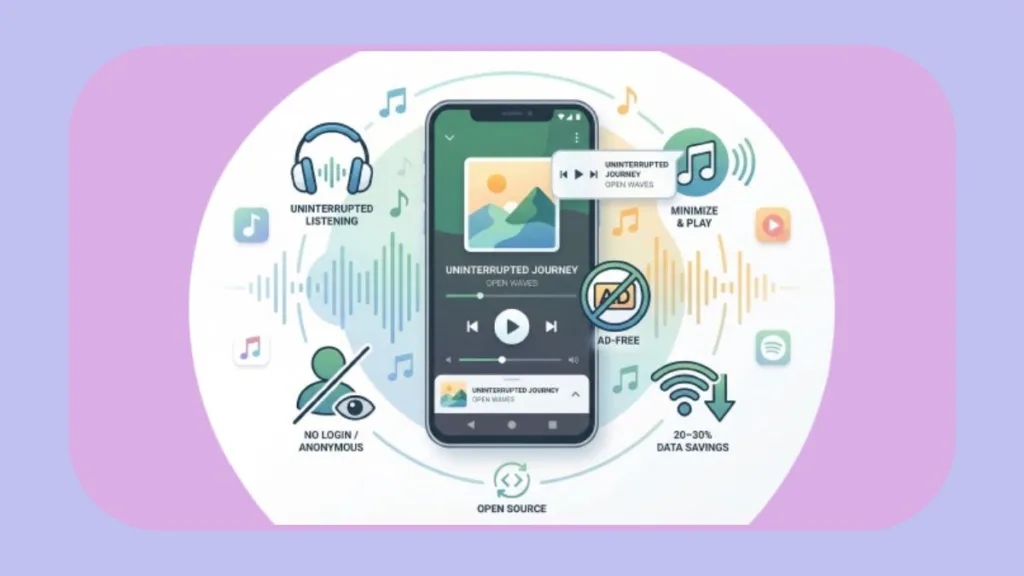
Here is why it replaces Premium for me:
- Zero Ads: It blocks both audio and video ads instantly.
- Background Play: You can finally minimize the app or lock your phone, and the music keeps playing.
- Offline Mode: You can “cache” (download) songs to your phone so you can listen when you don’t have a signal.
- Audio Normalization: It fixes that annoying issue where one song is quiet and the next one blasts your eardrums.
- It’s Privacy-First: You don’t even need to log in with your Google account if you don’t want to.
How to Install OuterTune APK on Android Safely: Step-by-Step
Since this app blocks Google’s ads, you obviously won’t find it on the Google Play Store. You have to “sideload” it. Don’t worry, it’s easy.
Step 1: Get the legitimate file
Only download it from the official GitHub releases page or the F-Droid repository. Never download it from third-party APK sites.
Step 2: Allow installation
Your phone might block the install since it’s not from the Play Store.
- Go to Settings > Security/Privacy.
- Find “Install unknown apps” and flip the switch for your browser or file manager.
Step 3: Install and Play
Tap the file you downloaded, hit install, and you’re done. Open the app, search for a song, and lock your screen. You’ll see the music keeps playing perfectly.
Is OuterTune Safe? Privacy, Security & No-Login Features
This is the question I get asked most: “Is this actually safe?”
Short answer: Yes.
Long answer: Because the code is open-source on GitHub, it is transparent. There are no ad SDKs or malicious trackers hidden inside. Plus, you don’t have to hand over your password. You can use the app completely anonymously.
Note: When you “download” songs in OuterTune, they are cached inside the app for offline listening. You can’t export them as MP3s to other devices, which is similar to how Netflix or Spotify downloads work.
Comparison: YouTube Music Premium vs. OuterTune Free Client
| Feature | YouTube Music Free | YouTube Music Premium | OuterTune |
| Ads | Yes (Annoying) | No | No |
| Background Play | No | Yes | Yes |
| Offline Play | No | Yes | Yes |
| Cost | Free | $13.99/mo | Free |
| Login Required | Yes | Yes | Optional |
| Privacy | Low | Low | High |
Bonus: Save Mobile Data & Battery with Ad-Free Background Play
Here is a pro-tip that most people miss.
1. Stop Burning Data on Video Ads
Streaming music on the official YouTube app loads video ads, which can chew through 300MB+ per hour. Apps like OuterTune stream audio only, which drops that usage down to 40–120MB per hour. You are literally saving 20–30% of your data plan just by blocking ads.
2. Battery Life Hack
Because you can finally turn your screen off while listening, your battery will last significantly longer. Just make sure you go into your Android settings and set OuterTune’s battery usage to “Unrestricted” so the system doesn’t kill the app while it’s playing in the background.
Final Verdict: Enjoy Ad-Free Music on Android Today
Look, if you have the budget and want to support the platform officially, YouTube Premium is a fine service. But if you are looking for a way to listen to your music without interruptions, without tracking, and without a monthly fee, OuterTune is the best alternative out there in 2026.
Give it a try—your commute (and your data plan) will thank you.
Check out our latest posts on the Blog Page!